
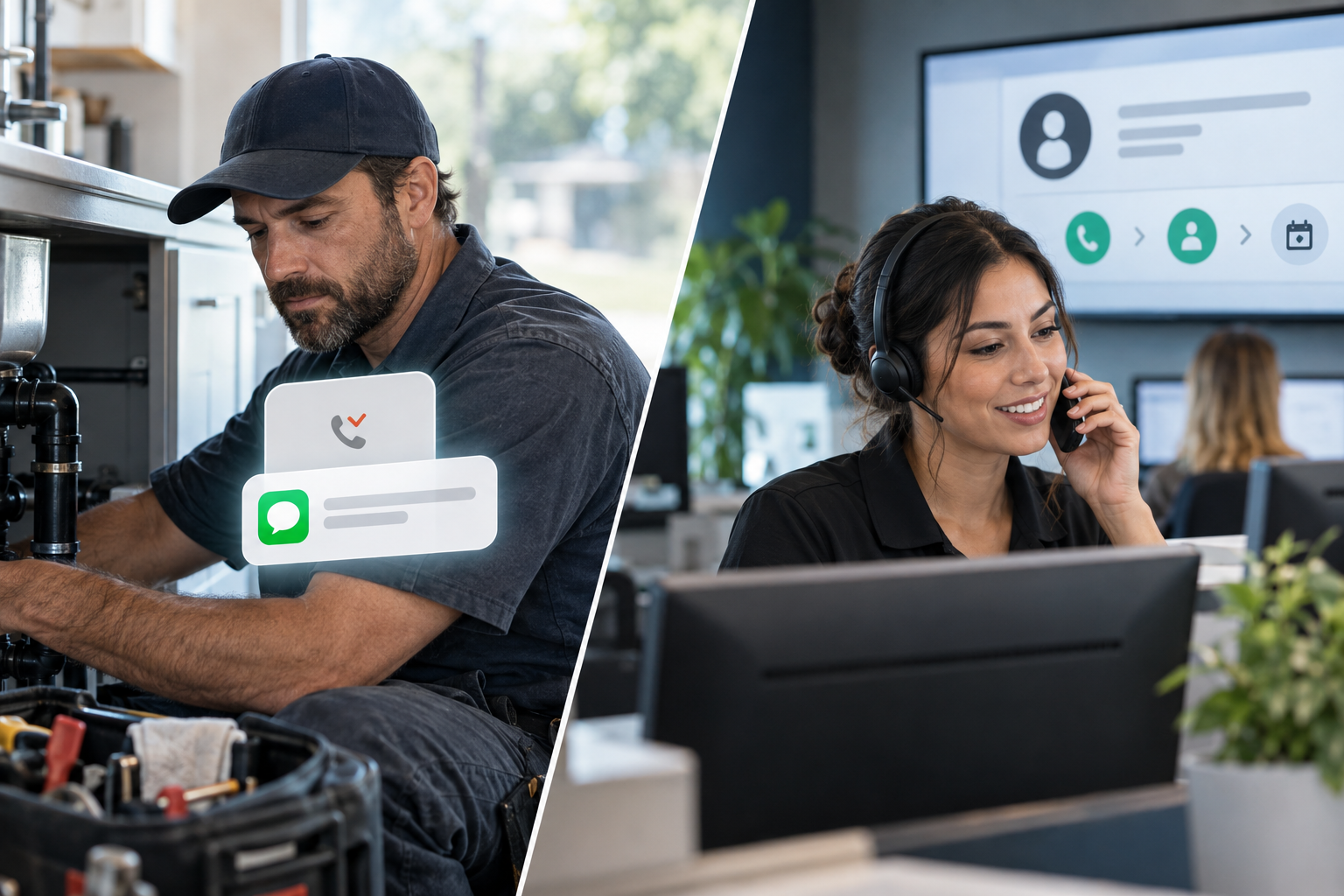
Every unanswered call creates a decision point. Should your business automatically text the caller, or should an AI receptionist answer before the call becomes a missed opportunity? When comparing missed call text back vs AI receptionist systems, the right choice depends on your call volume, lead value, scheduling process, staffing, and customer expectations.
A text-back system is simple and useful, but it begins working only after the call has been missed. An AI receptionist can engage the caller during the initial conversation. For many businesses, the strongest approach is not choosing one or the other—it is connecting both within a coordinated lead recovery workflow.
What Is Missed Call Text Back Automation?
Missed call text back automation detects an unanswered inbound call and immediately sends a predefined SMS message. The message typically acknowledges the call, identifies the business, and asks how the company can help.
For example, an HVAC company might send: “Thanks for calling ABC Heating & Air. We are assisting another customer. Are you looking for repair, maintenance, or an estimate?”
The workflow can then notify an employee, create or update the contact in a CRM, and move the lead into a follow-up pipeline. More advanced systems can ask follow-up questions, provide a scheduling link, or route the conversation based on the caller’s response.
Advantages of text back automation
- It responds quickly when an employee cannot answer.
- It gives callers a lower-pressure way to continue the conversation.
- It is relatively easy to add to an existing CRM or phone workflow.
- It can collect basic details before a staff member follows up.
- It helps document the interaction in a central contact record.
Its main limitation is straightforward: the phone call has already gone unanswered. A caller facing an urgent plumbing leak, electrical issue, legal concern, or broken air conditioner may call the next business rather than wait for a text.
What Is an AI Receptionist?
An AI receptionist is a voice-based system that answers inbound calls, holds a natural conversation, and completes approved tasks. Depending on the setup, it can identify the reason for the call, answer common questions, qualify a prospect, book an appointment, transfer urgent calls, or create a follow-up task.
Unlike a basic phone menu, a properly configured AI receptionist allows callers to explain what they need in their own words. Businesses evaluating AI voice agent and receptionist options should focus on workflow quality, integrations, escalation rules, and conversation design—not simply whether the software can generate speech.
Advantages of an AI receptionist
- It can answer while the caller is still engaged.
- It can gather structured information through conversation.
- It can handle common booking, routing, and qualification tasks.
- It can provide consistent responses based on approved business information.
- It can support overflow and after-hours call handling without replacing every human interaction.
An AI receptionist requires more planning than a single automated text. Call scripts, calendar access, CRM fields, transfer rules, privacy requirements, and failure scenarios all need to be considered before launch.
Missed Call Text Back vs AI Receptionist: Side-by-Side Comparison
| Consideration | Missed Call Text Back | AI Receptionist |
|---|---|---|
| When it engages | After an unanswered call | During the initial call |
| Customer channel | SMS | Voice, often followed by SMS |
| Qualification depth | Basic to moderate | Moderate to advanced, depending on setup |
| Appointment handling | Usually a link or text exchange | Can potentially book during the call |
| Urgent call routing | Possible after a text response | Can identify and transfer during the conversation |
| Implementation effort | Lower | Higher because more workflows are involved |
| Best role | Recovery and follow-up | Front-line answering, qualification, and routing |
The key distinction in the AI phone answering vs text back decision is whether you want to recover a missed interaction or prevent it from becoming missed in the first place.
Which Option Fits Different Business Scenarios?
Choose missed call text back when simplicity is the priority
A text-back workflow may be enough for a small business with low call volume, limited appointment complexity, and employees who can respond soon after receiving an alert. It is also useful when customers naturally prefer texting, such as estimate requests that involve sending photos or property details.
A roofer, for example, could ask a caller to text the property ZIP code, type of roof, and whether the request involves active damage. A dental office could acknowledge the call and ask whether the person is an existing patient, while directing emergencies according to the practice’s approved policy.
Choose an AI receptionist when calls require immediate interaction
An AI receptionist is better suited to businesses where callers often need answers, screening, scheduling, or routing before they are willing to take another step. HVAC, plumbing, electrical, legal, dental, and home-service calls frequently involve urgency or multiple qualification questions.
For a law firm, the system might collect a caller’s name, contact details, matter category, and preferred consultation time without offering legal advice. For a marketing agency, it might ask about services of interest, current marketing challenges, and approximate timeline before booking a discovery call.
Use both when lead value and coverage matter
A combined workflow provides the most complete missed call automation. The AI receptionist attempts to answer first. If the caller hangs up, the call disconnects, or no qualified transfer is available, missed call text back automation begins. The CRM records both interactions and gives the team a clear next action.
A Practical Combined Lead Recovery Workflow
- Answer the inbound call: The AI receptionist introduces the business and asks how it can help.
- Identify intent: The system categorizes the request, such as emergency service, estimate, appointment, billing, or existing-customer support.
- Apply routing rules: Urgent or high-value calls transfer to the appropriate employee. Routine calls continue through qualification or booking.
- Update the CRM: Contact details, call summaries, requested services, and next steps are saved to the correct record.
- Trigger SMS when needed: If the conversation ends before completion, the caller receives a relevant follow-up message instead of a generic response.
- Assign human follow-up: The system creates a task when judgment, approval, or a sensitive conversation is required.
This works best as part of done-for-you AI marketing automation, where calls, texts, pipelines, calendars, and follow-up campaigns share data rather than operating as disconnected tools.
How to Compare Cost and Potential ROI
Do not evaluate these systems only by their monthly software cost. Consider the operational result each one is expected to produce.
- How many calls currently go unanswered or reach voicemail?
- How quickly does the team respond during business hours and after hours?
- What percentage of calls require qualification, transfer, or scheduling?
- What is a booked appointment or qualified opportunity worth to the business?
- How much employee time is spent answering repetitive questions?
- What happens when automation cannot confidently complete the request?
A basic text-back system may be the more efficient starting point when missed calls are infrequent. An AI receptionist may justify the additional implementation work when inbound calls are numerous, time-sensitive, or operationally demanding. Any forecast should use the company’s actual call logs, booking rates, labor requirements, and customer value rather than generic industry claims.
Implementation Checklist
Before deploying either solution, map the customer journey from the first ring to the final outcome.
- Review call data: Identify peak times, frequent questions, abandoned calls, and common reasons people contact the business.
- Define approved outcomes: Decide what the automation may answer, book, transfer, collect, or escalate.
- Connect core systems: Integrate the phone platform with the CRM, calendar, SMS provider, and team notifications.
- Write realistic conversations: Use clear language that reflects how customers actually describe their problems.
- Add fallback paths: Provide a human option for sensitive, unusual, frustrated, or urgent callers.
- Test edge cases: Test background noise, interruptions, incomplete details, scheduling conflicts, and disconnected calls.
- Monitor and improve: Review transcripts, outcomes, booking accuracy, and employee feedback regularly.
Businesses sending automated texts should also review applicable consent, identification, opt-out, and calling requirements. The Federal Communications Commission’s telemarketing and robocall guidance is a credible starting point, although businesses should obtain legal advice for their specific use case.
Common Mistakes to Avoid
- Sending a generic message: “We missed your call” does little to move the conversation forward. Ask one useful next-step question.
- Automating without CRM tracking: Conversations become difficult to manage when call details and text replies live in separate systems.
- Giving the AI too much authority: Do not let it make commitments, provide professional advice, or handle exceptions outside approved rules.
- Ignoring human escalation: Automation should create a faster path to the right person, not trap customers in a loop.
- Launching without testing: A workflow that works for a routine estimate may fail during an emergency or complicated scheduling request.
Making the Final Decision
Choose missed call text back when you need a fast, focused recovery layer. Choose an AI receptionist when you need active call answering, qualification, scheduling, and routing. Use both when you want coverage before, during, and after an unanswered or incomplete call.
The technology matters, but the connected workflow matters more. A well-designed CRM and growth automation system should give employees context, assign next steps, and make it easy for customers to continue the conversation across voice and text.
Frequently Asked Questions
Does missed call text back replace voicemail?
Not necessarily. It can complement voicemail by giving callers an immediate text option while still allowing them to leave a detailed message.
Can an AI receptionist transfer calls to a real person?
Yes, if the phone system and routing workflow support transfers. Businesses should define which call types qualify for immediate transfer and what happens when no employee is available.
Can both systems book appointments?
Both can support booking. Text back automation often sends a scheduling link or continues through SMS, while an AI receptionist can potentially check availability and schedule during the call.
Is an AI receptionist right for every call?
No. Sensitive, complex, regulated, or emotionally charged conversations may require a human. The best systems identify those situations and escalate them promptly.
What should a small business implement first?
Start with the largest gap in the current customer journey. If calls are occasionally missed but followed up quickly, begin with text back. If employees are frequently interrupted or callers need immediate assistance, consider an AI receptionist with text back as a fallback.
Leave a Reply