
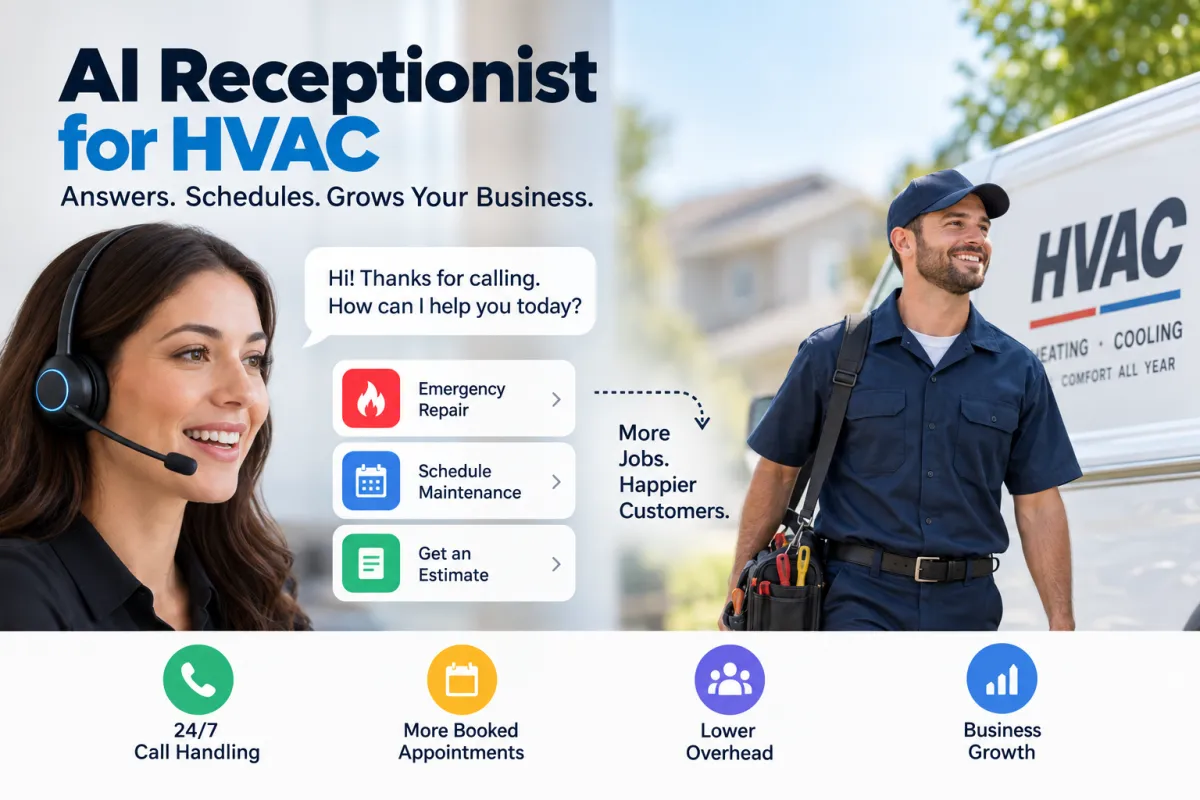
How an AI Receptionist for HVAC Companies Boosts Bookings and Cuts Costs
Introduction
Small HVAC businesses are juggling emergency calls, estimates, follow-ups, and dispatching. An AI receptionist for HVAC can handle first contact, schedule jobs, and filter leads so your technicians focus on the work. This article explains how AI receptionists work, practical examples for daily operations, implementation steps, and how to measure ROI.
What is an AI Receptionist for HVAC?
An AI receptionist is a cloud-based conversational system that answers phone calls and chats, understands caller intent, and executes predefined actions like booking appointments or creating leads. Unlike simple IVR systems, modern AI receptionists use natural language to make conversations feel human and can integrate with scheduling, CRM, and dispatching tools.
Top Benefits for Small HVAC Companies
Never miss a call: 24/7 call handling captures leads outside business hours.
Faster response times: Immediate triage reduces wait times for urgent repairs.
Lower overhead: Reduce receptionist staffing costs while increasing capacity.
Better scheduling: Automated appointment booking reduces double-booking and manual errors.
Improved professionalism: Consistent greetings and scripts reinforce your brand.
How an AI Receptionist Actually Works
Typical AI receptionist workflows for HVAC companies include:
Answering calls and identifying intent, e.g., emergency repair, routine maintenance, or estimate requests.
Asking clarifying questions: location, system type, symptoms, urgency.
Scheduling appointments based on technician availability and service type.
Sending confirmations and reminders by SMS or email to reduce no-shows.
Logging call details into your CRM or dispatch software and escalating urgent calls to on-call techs.
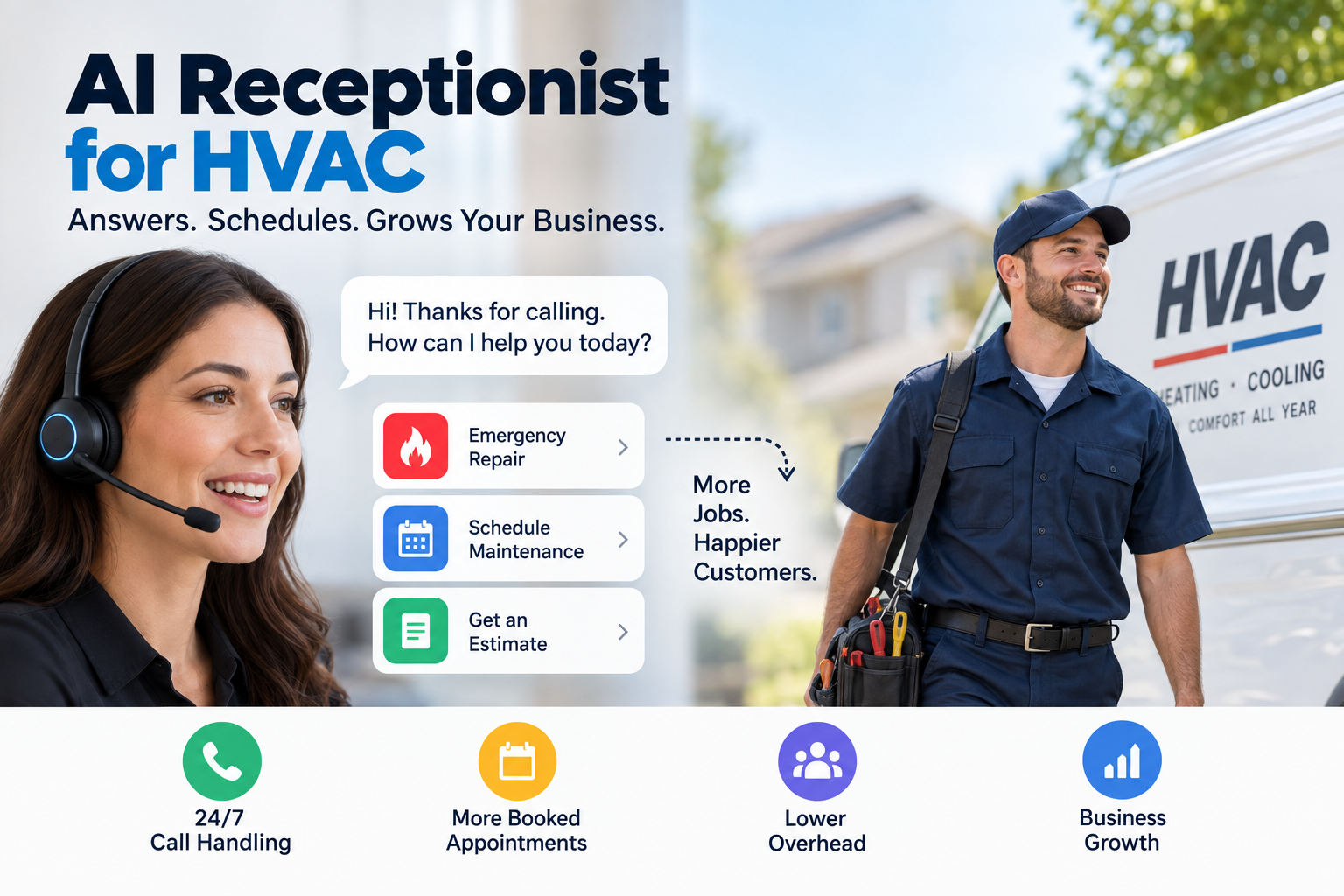
Practical Examples
Example 1: After-Hours Emergency Call
Scenario: A homeowner calls at 10:30 PM with a non-working furnace in winter. The AI receptionist answers, identifies "no heat," asks follow-ups (age of furnace, any strange noises), and marks the call as an emergency. It notifies the on-call technician via SMS and books the earliest available appointment, then sends the homeowner a confirmation with a short safety checklist.
Example 2: Routine Maintenance Booking
Scenario: A customer calls to schedule an annual tune-up. The AI receptionist suggests available windows based on the maintenance route, confirms the appointment, collects payment information or accepts a deposit if required, and adds the job to the technician's calendar with service notes.
Example 3: Lead Capture and Estimate Scheduling
Scenario: Someone requests an estimate for a new AC installation. The AI receptionist collects address, preferred contact method, system size if known, and a few photos via MMS or a link. It creates a lead inside a done-for-you CRM and automation system, qualifies the opportunity, and proposes two estimate slots. The sales rep gets an instant notification with the captured details.
Implementing an AI Receptionist: Step-by-Step
Define your goals: Is the priority answering after-hours calls, reducing missed calls, or increasing paid appointments?
Choose the right vendor: Look for providers that integrate with your scheduling and CRM tools and offer automotive, HVAC-specific scripts or customizable workflows.
Map common call types: Emergency repair, maintenance, estimate, billing inquiry, warranty issues. Create decision trees for each.
Train and test: Run real-call testing and adjust prompts. Include your techs and office staff in feedback loops.
Integrate systems: Connect to your calendar, dispatch, and CRM so calls auto-create tickets and appointments.
Monitor and optimize: Track metrics and refine scripts monthly for better conversion and accuracy.
Measuring ROI
To build a simple ROI model, estimate the following:
Average monthly missed calls converted by AI
Average job value from converted calls
Monthly cost of AI receptionist service
Labor savings from reduced receptionist hours
Example calculation: If AI captures 10 extra jobs per month at an average ticket of $300, that’s $3,000 revenue. If the AI service costs $400/month and you save $800 in staffing costs, net gain = $3,000 - $1,200 = $1,800/month.
Common Concerns and How to Address Them
Will AI feel too robotic?
No. Modern systems use natural language and customizable scripts to sound conversational. Include branded greetings and escalation to live staff to preserve a personal touch.
What about billing and payment security?
Choose systems that comply with PCI standards for taking payment info and that use encrypted integrations for CRM and dispatching.
How do we handle tricky technical questions?
Train the AI to gather basic symptom info and then route complex technical questions to senior techs. Use the AI to capture photos or short videos to help technicians diagnose before arrival.
Best Practices for Success
Start with the most common call types and expand workflows gradually.
Keep scripts short and focused on capturing essential details.
Set clear escalation rules for emergencies and VIP customers.
Use SMS confirmations and reminders to reduce no-shows.
Review recordings weekly to refine responses and add missing prompts.
FAQ
How much does an AI receptionist cost for an HVAC company?
Costs vary by provider and features. Expect monthly fees from about $200 to $1,000 depending on call volume, integrations, and advanced features like two-way SMS or payments. Factor in labor savings when evaluating total cost.
Can an AI receptionist book appointments directly into my dispatch system?
Yes. Many AI receptionists integrate with popular dispatch and CRM platforms. Confirm integration availability before purchasing or use middleware like Zapier for custom workflows.
Will customers accept talking to an AI?
Most customers appreciate quick answers and immediate booking. Make sure callers always have the option to speak with a human if needed.
Does an AI receptionist work for both residential and commercial HVAC?
Yes. Customize scripts to handle different workflows for commercial accounts, contracts, and service-level agreements.
Final Thoughts
An AI receptionist for HVAC companies is a practical, high-impact technology for small businesses wanting to capture more leads, reduce missed calls, and streamline scheduling. With clear goals, the right vendor, and a focus on integration and testing, an AI receptionist can deliver quick wins and measurable ROI.
If you want a template to start, create a decision tree for emergency vs non-emergency calls, list required data points for each job type, and pilot the AI for 30 days to measure impact on call capture and bookings.


